✓ Accepted answer
You need to actually bind your add function to a .MouseClick listener to run it when the Player activates the ClickDetector Object. You're also thinking of the wrong RBXScriptSignal, ClickDetectors do not act the same as a .Touched event—no Hit parameter is returned, nor should it be filtered for... the .MouseClick signal returns the Player Object that initiated the event, so you already have immediate access.
Note:
Using a numerical ValueObject is not recommended when debouncing. It is suggested debounces should be operated via Boolean logic, so please replace your ValueObject with a BoolValue Instance
Ensure the script resides within the ClickDetector Object, and is a SeverScript Instance.
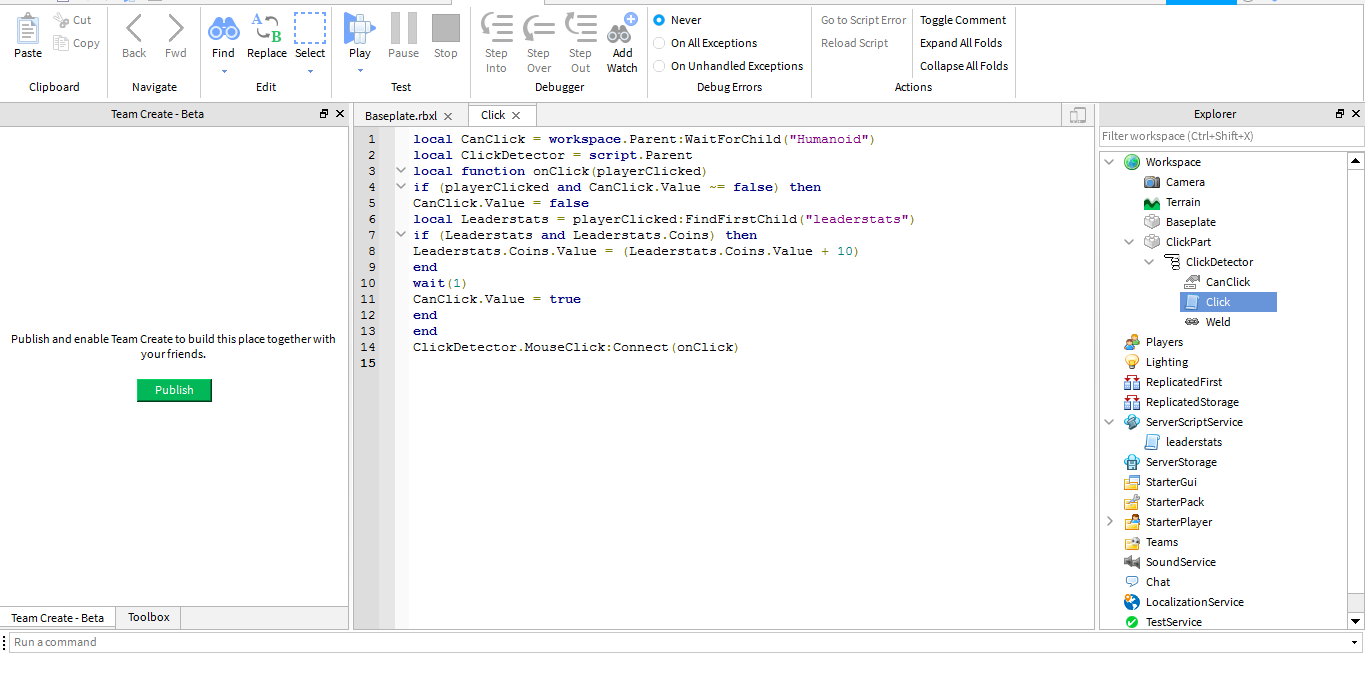
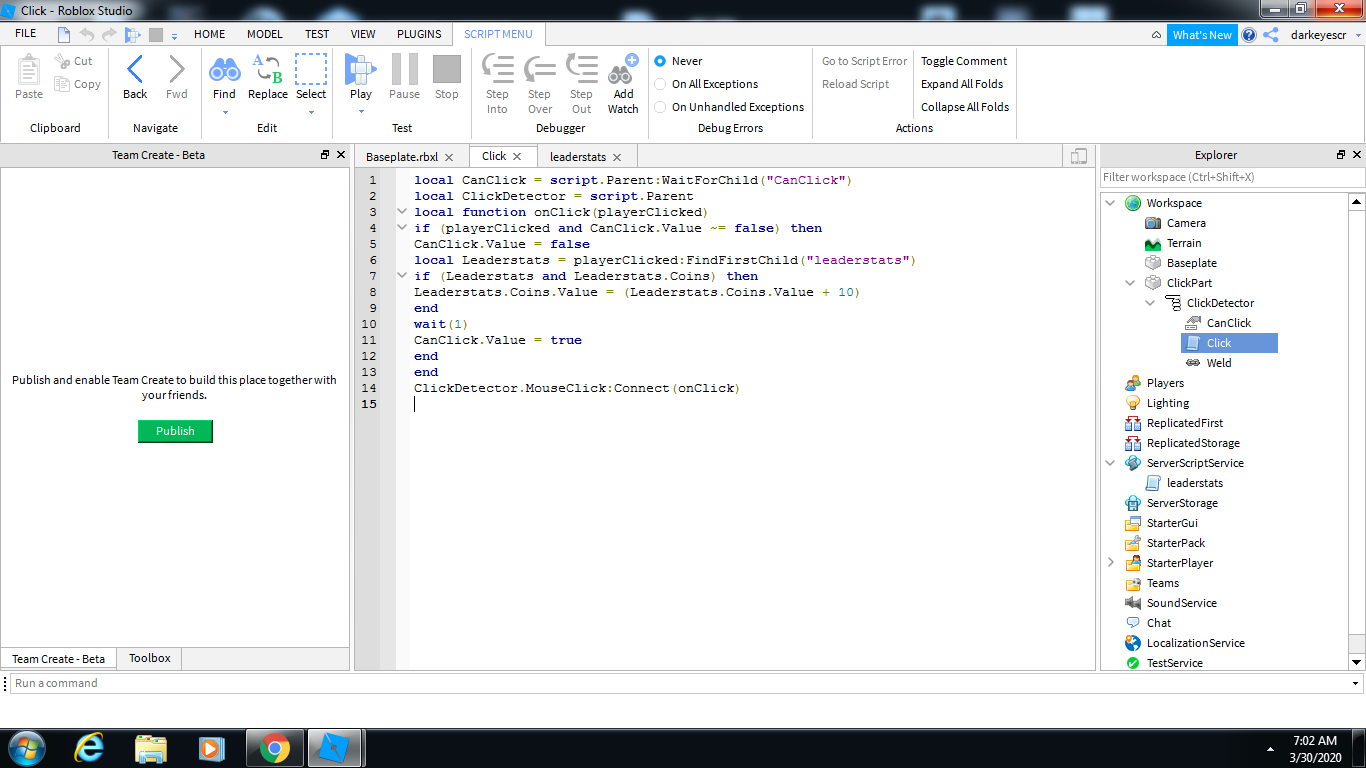
local CanClick = script.Parent:WaitForChild("CanClick")

local ClickDetector = script.Parent

local function onClick(playerClicked)
	if (playerClicked and CanClick.Value ~= false) then
		CanClick.Value = false
		local Leaderstats = playerClicked:FindFirstChild("leaderstats")
		if (Leaderstats and Leaderstats.Coins) then
			Leaderstats.Coins.Value = (Leaderstats.Coins.Value + 10)
		end
		wait(1)
		CanClick.Value = true
	end
end

ClickDetector.MouseClick:Connect(onClick)
EDIT:
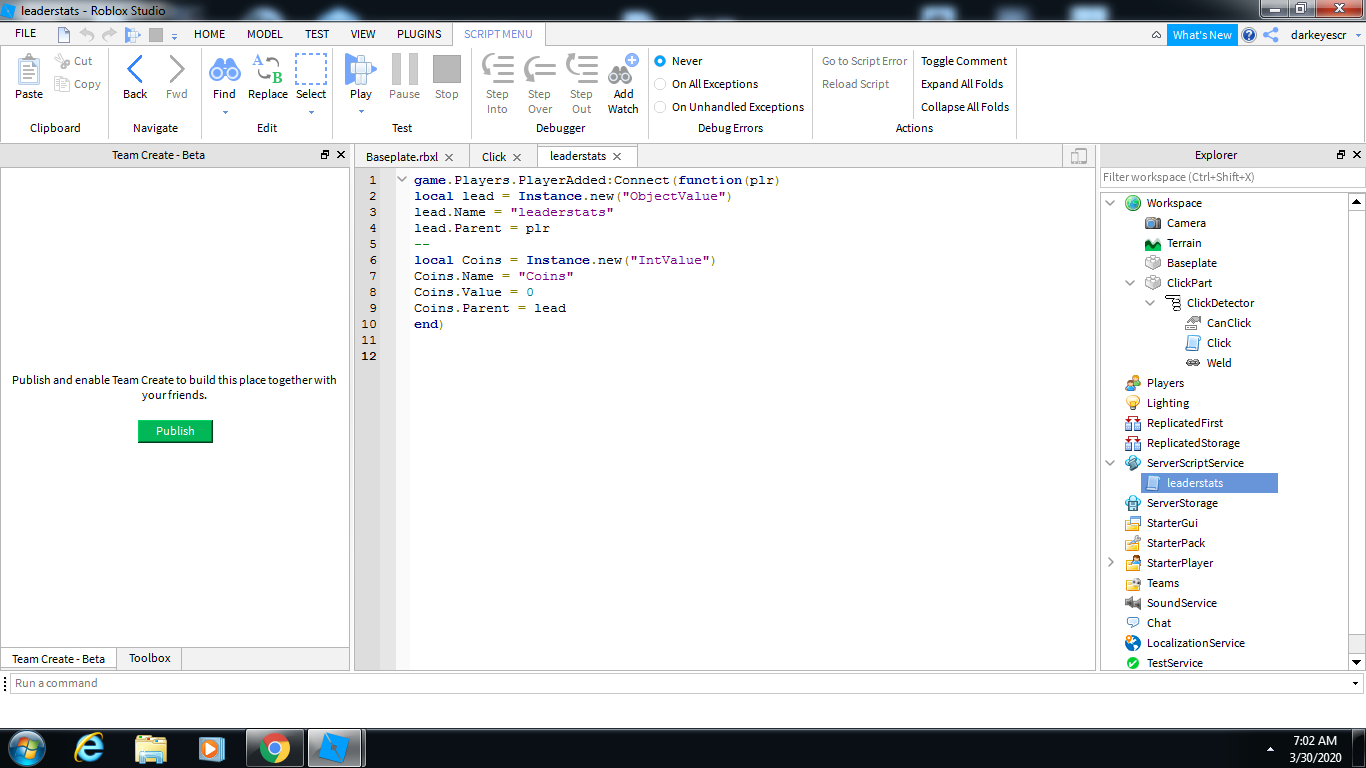
This is a proper leaderstat constructor Script, please apply this:
local players = game.Players

players.PlayerAdded:Connect(function(player)
	local leaderstatFolder = Instance.new("Folder")
	leaderstatFolder.Name = "leaderstats"
	leaderstatFolder.Parent = player

	local coinsValue = Instance.new("IntValue")
	coinsValue.Name = "Coins"
	coinsValue.Value = 0
	coinsValue.Parent = leaderstatFolder
end)
If this helps, don't forget to accept this answer!

2 comments
Did you ever connect this function? I don't see it being called anywhere
Please use a Folder Object, not a Model.