
I'm trying to fling a player properly so they go flying in a random direction. I've been trying to do this by changing the velocity of a player's humanoidrootpart, but they do not really get flung that well or in the way I want it to (didn't bounce around much). Is there a better way to get an effect of flinging a character? (I'm using R6 characters if this makes any difference)
✓ ANSWER ACCEPTED
How do I fling a player effectively?
1 answer
✓ Accepted answer
In order to trip the character, you must use Humanoid:ChangeState() to manually change its state. We'll be focusing on the FallingDown state:
By doing Humanoid:ChangeState(Enum.HumanoidStateType.FallingDown), the Humanoid will fall to the floor unable to stand on its own. You can use this in conjunction with BasePart.Velocity to fling the character into the air. Here's an example of what I mean:
local p = 100
local rand = math.random
local char = ... -- However you'd get the character

char.Humanoid:ChangeState(Enum.HumanoidStateType.FallingDown) -- Change state to trip player
char.HumanoidRootPart.Velocity = Vector3.new(
	rand(-p,p),
	rand(-p,p),
	rand(-p,p)
)
p = p/10
char.HumanoidRootPart.RotVelocity = Vector3.new( -- Add rotation for extra fun
	rand(-p,p),
	rand(-p,p),
	rand(-p,p)
)
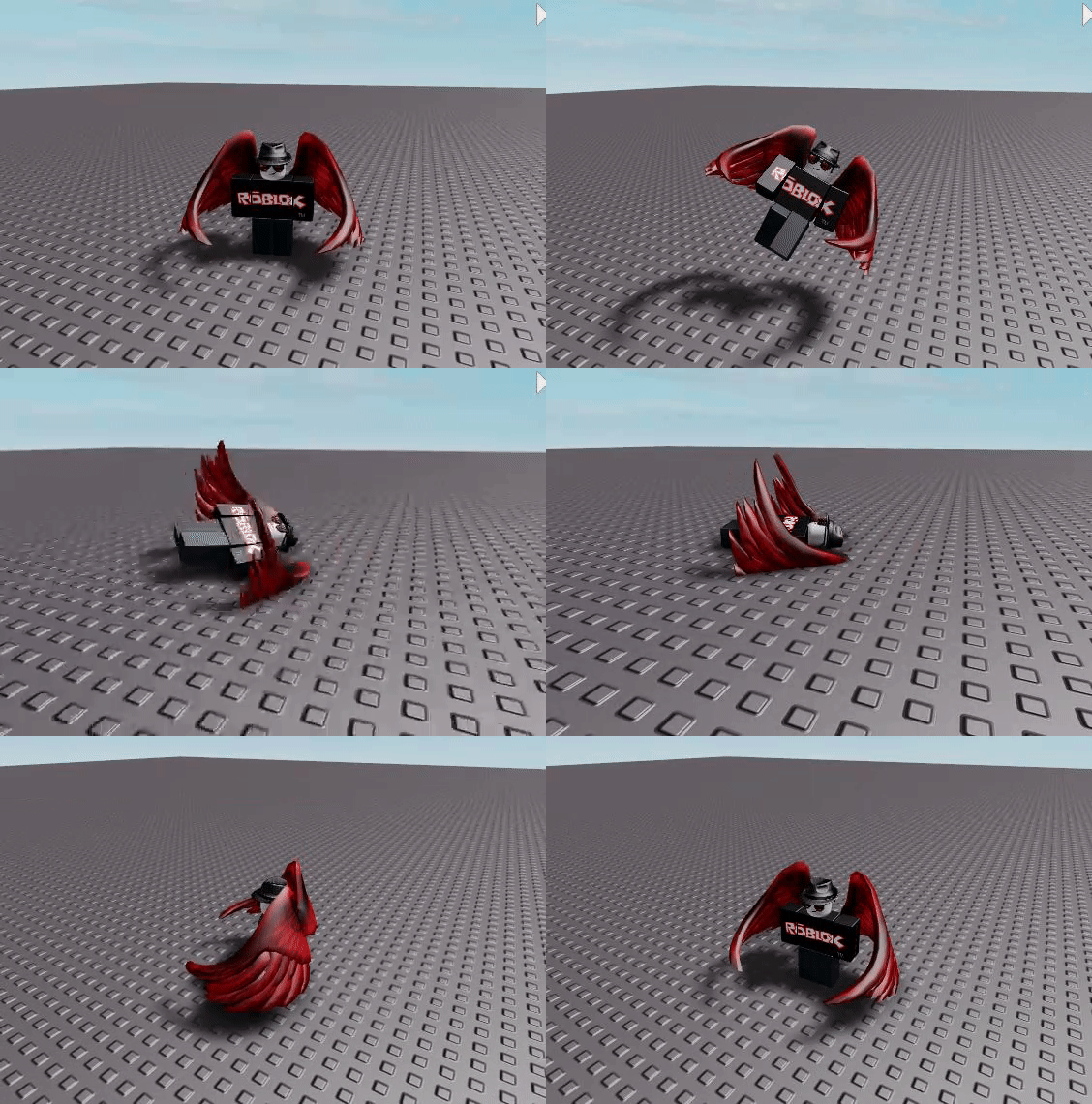
Be sure to upvote/accept if I helped!
2 comments
0
Amazing, thank you!
0
ur not supposed to set the velocity property of parts
This discussion is preserved as it was. New answers, comments, and votes are closed.
1 comment
Player:FlingEffectivelyAsync()