
Hello! I am new here so it'll be awesome to get some help :D
I am working on a terrain and now want to fill the entire region with water but all the Roblox functions penetrate the existing terrain.Is there a way (without manually placing water) to solve this? A region fill example is run and it removes all existing terrain and replaces the region with the instead of 'going around it':
local region = Region3.new(Vector3.new(0,0,-3), Vector3.new(400,400,400))
region = region:ExpandToGrid(4)
game.Workspace.Terrain:FillRegion(region, 4, Enum.Material.Water)
Image showing the results of the code above
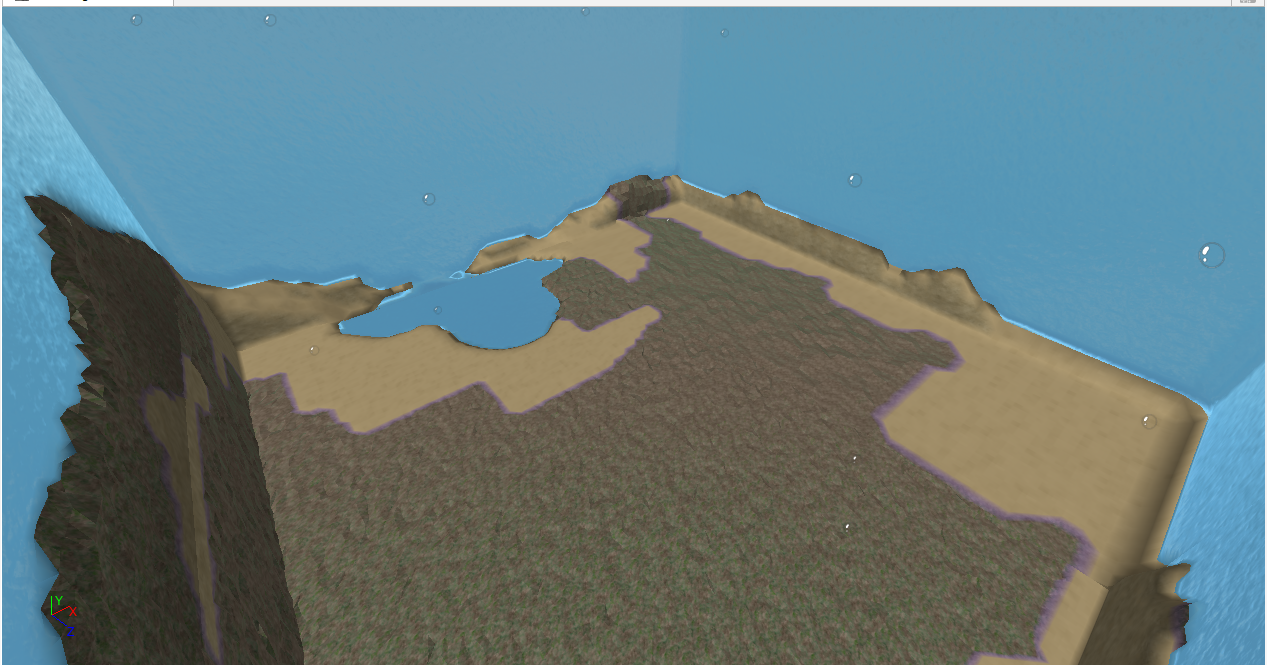
However, The core roblox terrain tools provide a tool called 'add'.It does not penetrate the existing terrain and that is how i want it to be, but in a very large scale.(a whole map)
Image showing the tool 'Add' not penetrating the terrain but instead 'going around it'
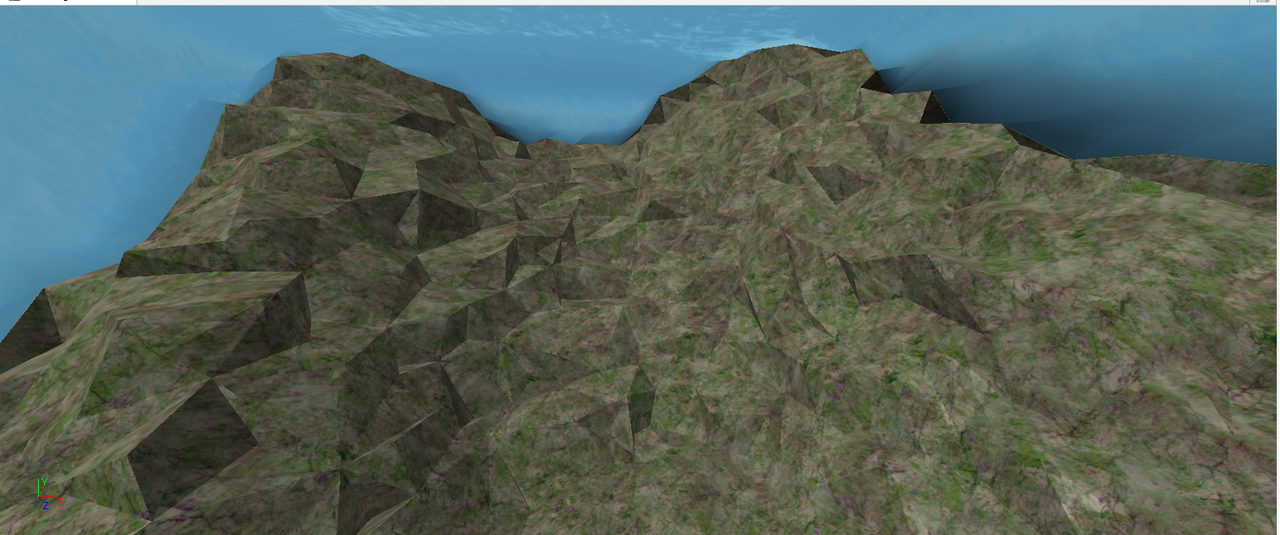
Can this be done without the usage of the tool but rather a 'one button' manner?I do not want to spend hours placing water around the map.
Thank you, copper sulfate
6 comments
no there isnt. Unless if its a plugin a plugin can do everything.
also copper sulfate in water is bad do noot put copper sulfate in water it boils
It's freaking roblox it won't do anything
lol
couldn't you just around it and then just write a script that if the terrain is water and over a certain level it deletes it?
nah it will still clear the terrain.