I recomend you adding a "WaitForChild" event so the script will run when the child name gets touched.
Example:
script.Parent.Touched:connect(function(part)
part:WaitForChild("Music")
if part.Name == "Music" then
game.Workspace.Missed.Value=game.Workspace.Missed.Value+1
part:Destroy()
--Don't forget to remove the end without the ")"
end)
That should fix your problem. BUT in case that doesn't work, try adding a "FindFirstChild" event so the script will run when the child name "Music" is found.
script.Parent.Touched:connect(function(part)
part:FindFirstChild("Music")
if part.Name == "Music" then
game.Workspace.Missed.Value=game.Workspace.Missed.Value+1
part:Destroy()
--Don't forget to remove the end without the ")"
end)
That should fix your problem either.
If none of these work, then try on a local script (99% sure it won't work but worth the try, eh?)
And If that doesn't work ask someone else ;-;

3 comments
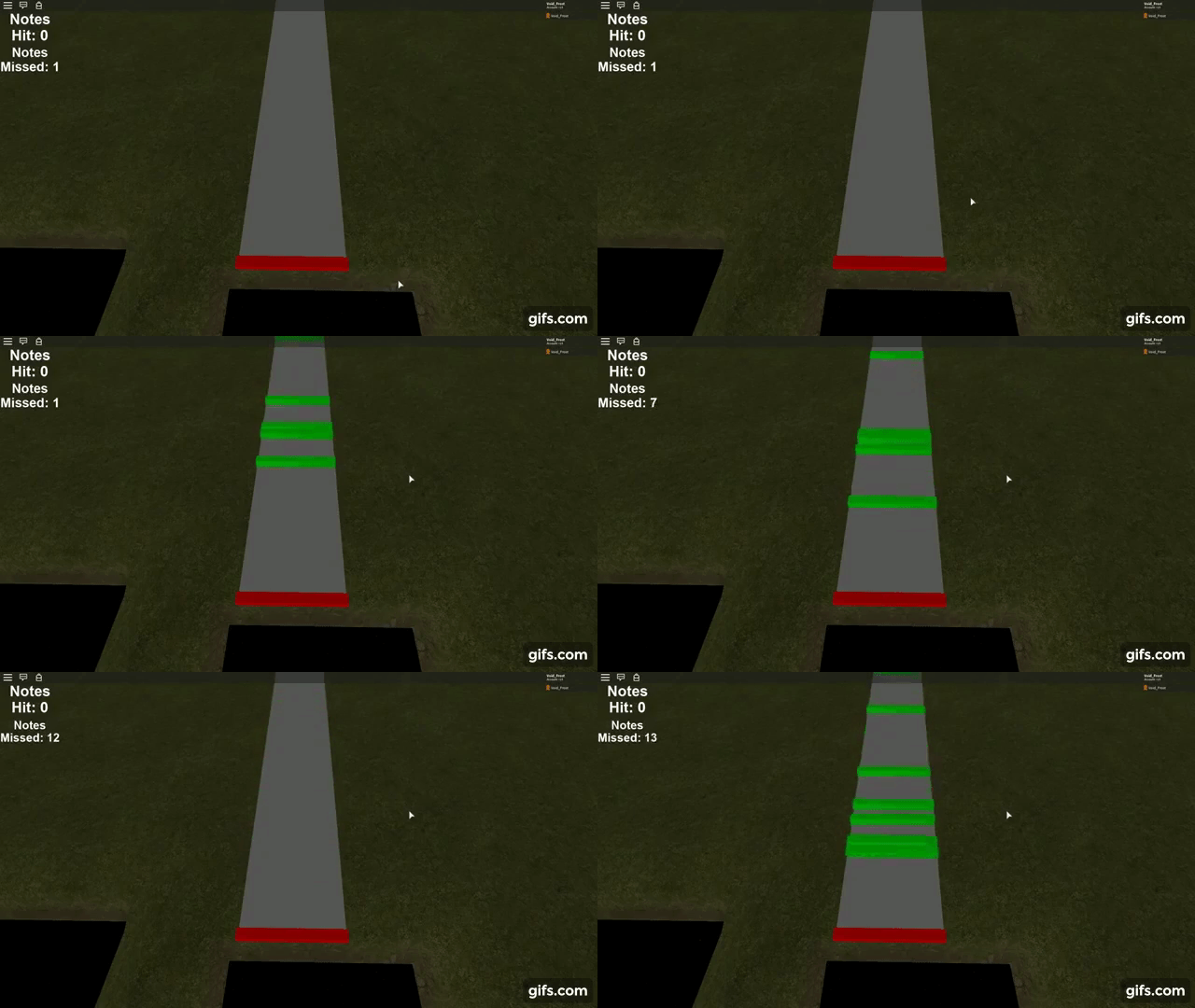
It could be the difference in time between the detector signaling the event and the Roblox client updating the viewport. Try lowering the speed of the "Music" parts and see if they make it closer to the bar.
@KIdTech101 It still doesn't make it much clsoer
If not already, you should handle this on the client side.