
Scripting HelpersARCHIVE
A little piece of Roblox history. Preserved for everyone, one question at a time.Read about the archive →
✓ ANSWER ACCEPTED

Can someone give me the key board button 1 down function?

I want a function where if you click a key on your keyboard example: "Q" it will open up something. Now we all know there is a Touched function and a MouseButton1Down function, how do I do a keyboard function? Please write the answer like this;

Using MouseButton1Down as example, I want the keyboard function

MouseButton1Down:connect(function()
-- The function
end)

Please, I have been looking for a way to do this. Remember! I want a keyboard button down ish function, I don't know the function
1 answer

✓ Accepted answer

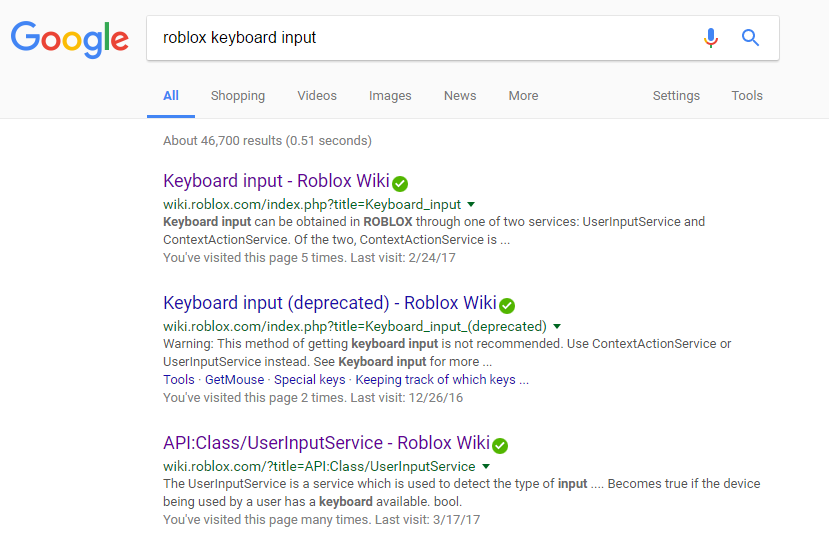
Using the wiki and google is always a good idea.

Use UserInputService.

Here's an example of it in action:

-- From Local Script:

--// Services
local UIS = game:GetService("UserInputService")

UIS.InputBegan:Connect(function(input, gpe)
	if(input.KeyCode==Enum.KeyCode.Q)then
		-- The rest of the code.
		print("Q was pressed.")
	end
end)
Remember, you can only use this function on the client, via a LocalScript.

This discussion is preserved as it was. New answers, comments, and votes are closed.