
Here's the game if you want to test what I have so far (Shift = Increase Throttle, Ctrl = Decrease Throttle, WASD): https://www.roblox.com/games/332103615/Plane-Testing
Here's a GIF of what happens: https://i.gyazo.com/bd4eaa7a1cced804aae19ea15c92cdb5.gif
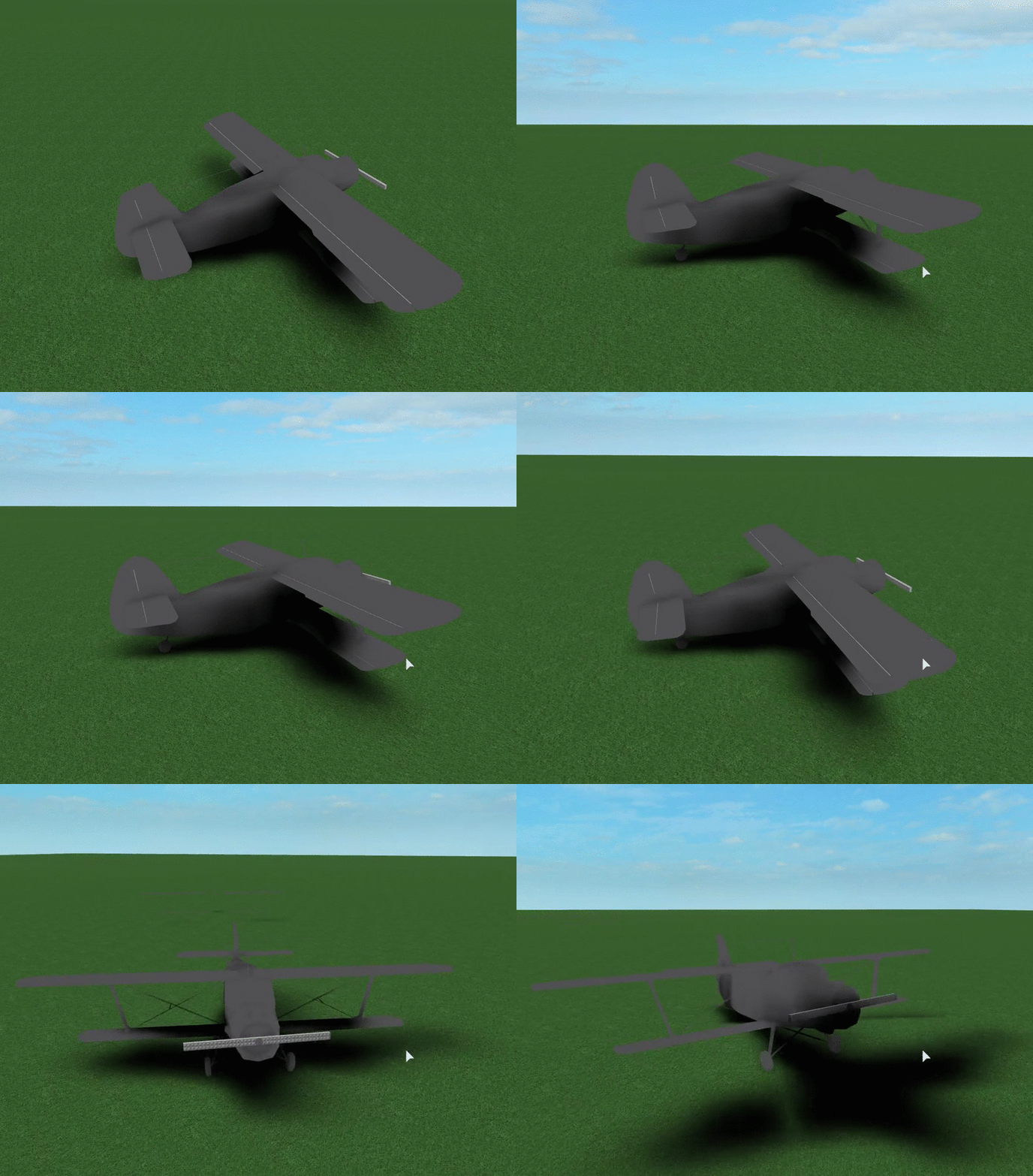
And code isn't necessary; Its just two parts that each have a Attachment and are connected by a Servo HingeConstraint.
Can I somehow fix this? It works fine for the first second or two. This doesn't happen in Roblox Studio.
6 comments
Nice job with your plane. I've over the past two days seen the questions you have been asking, and the improvements in your code. Very good job. I don't have much experience with constraints, so unfortunately I can't help you. Keep up the good work, though!
@TheDeadlyPanther Do you have experience with welds? If so, could I instead weld the parts together, then somehow change the angle of the weld as I did with HingeConstraint?
Can you include the script for the rotation.
As I said, the rotation is just a HingeConstraint. To make it rotate, I change HingeConstraint.TargetAngle. But the lag isn't activated by changing the rotation, it just happens after a few seconds no matter what you do.
OK so I've tried changing my BodyThrust to BodyVelocity and the problem persists. I also tested with shrinking my plane (via resize plugin) and the problem still persisted.
Hmm... Further testing seems to show this only happens when the plane is placed in either replicatedstorage or replicatefirst (both local storage) and moved into Workspace. This doesn't happen when the plane is placed in workspace initially. But if its initially placed in workspace, the flaps positions' are entirely dependent on server response time, making them very stutery.