
For the past 2 weeks after I came back to roblox, I have been having a problem with the main GUI. For some reason the main GUI dosen't display when I try my games out in Roblox Studio (Edit mode).
https://i.gyazo.com/79ec4560688722baff220dc2458c132f.jpg
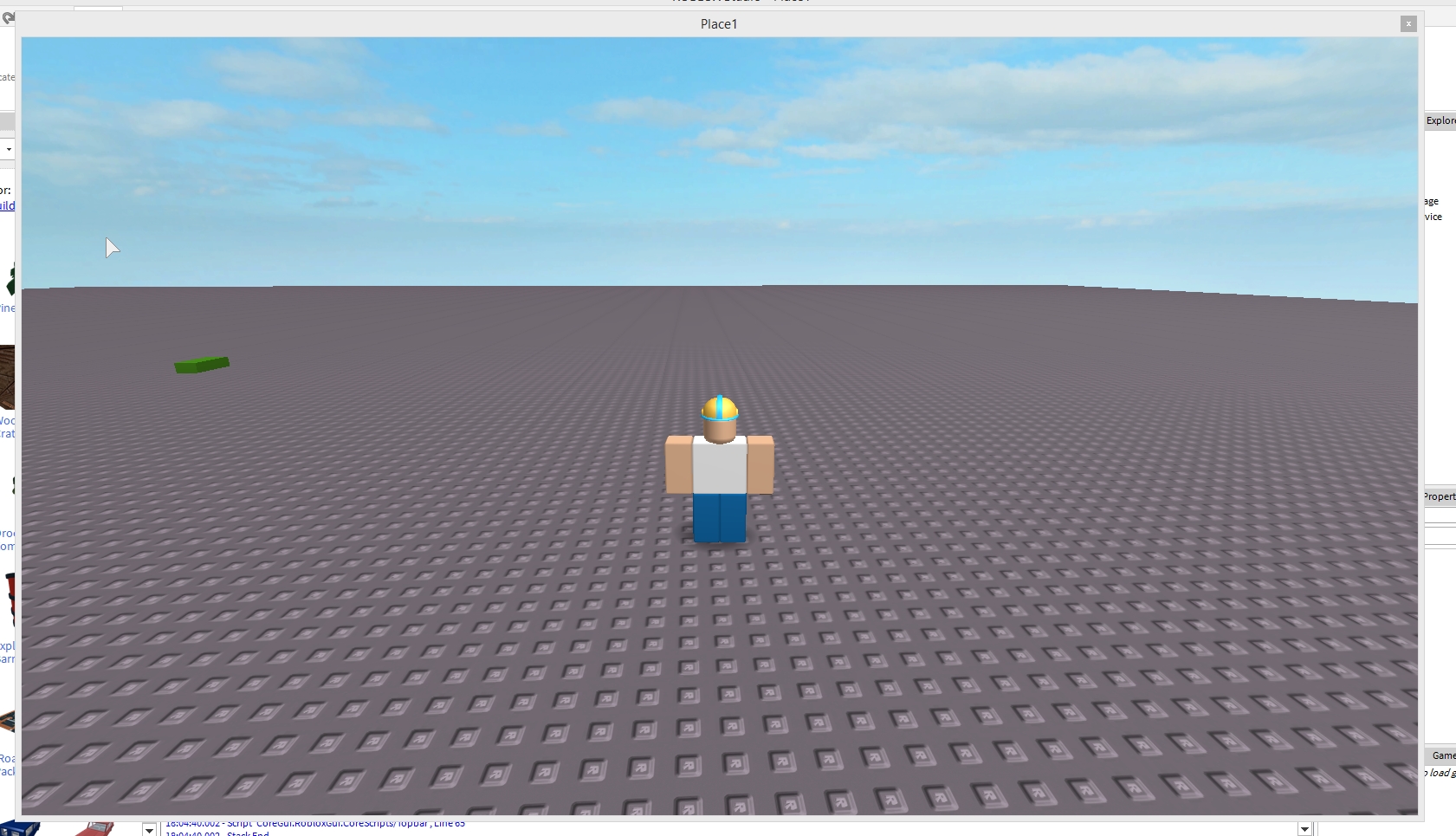
And here is the Output error I am recieving:
18:04:38.796 - Settings2 is not a valid member of Folder
18:04:38.796 - Script 'Script Context.StarterScript', Line 28
18:04:38.796 - Stack End
18:04:38.796 - Chat is not a valid member of Folder
18:04:38.797 - Script 'Script Context.StarterScript', Line 42
18:04:38.797 - Stack End
18:04:38.797 - PlayerlistModule is not a valid member of Folder
18:04:38.797 - Script 'Script Context.StarterScript', Line 43
18:04:38.797 - Stack End
18:04:38.798 - BackpackScript is not a valid member of Folder
18:04:38.798 - Script 'Script Context.StarterScript', Line 55
18:04:38.798 - Stack End
Loaded gloo library. Type _G.gloo.Help() for help.
18:04:40.001 - TenFootInterface is not a valid member of Folder
18:04:40.002 - Script 'CoreGui.RobloxGui.CoreScripts/Topbar', Line 65
18:04:40.002 - Stack End
Things I've tried:
Re-downloading Roblox Studio (x10 times atleast)
Factory resetting my PC
Deleting all of the roblox temp files
Testing on roblox studio on another account
Trying out different Roblox Studio versions (Including the 2013 one).
Creating a new game (x5 times atleast)
-I would very appreciated if you could help me with this, it's so annoying.
2 comments
Please post the Script of the Main gui.
Sorry, what I ment was this bar: https://i.gyazo.com/023bff9753b266cda45b6d6c50acb86f.png