
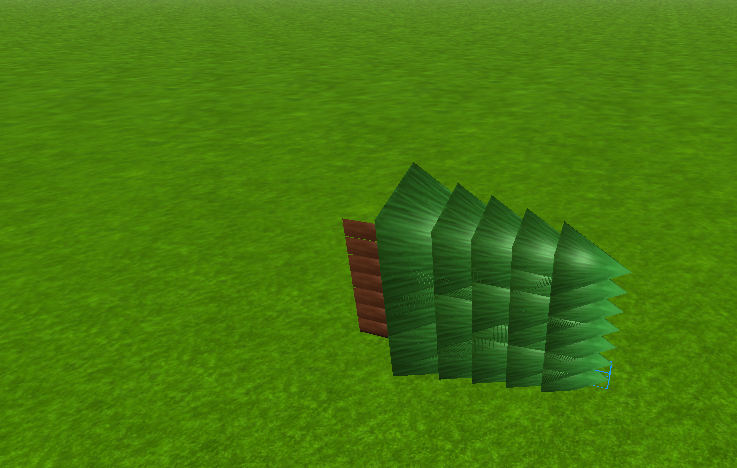
So i'm trying to make a tree spawn at the place I click at and it works but it doesn't 100% work heres what happens http://i.gyazo.com/5fe1460494e84a39c526d51ac76106a1.png

The error http://gyazo.com/332065e0b8188fabf70df1ee0f3b0377
-- the code

local mouse = plugin:GetMouse()
mouse.Button1Down:connect(function()
local NewPart = Instance.new("Part")
NewPart.Anchored = true
NewPart.Parent = game.Workspace
local Mesh = Instance.new("SpecialMesh", NewPart)
Mesh.MeshId = "http://www.roblox.com/asset/?id=150251147"
Mesh.Scale = Vector3.new(3.1, 3.1, 3.1)
Mesh.TextureId = "http://www.roblox.com/asset/?id=150251554"
NewPart.Size = Vector3.new(2, 3, 31.6)
	local target = mouse.Target
	NewPart.Position = target -- where the error is happening
end)
2 comments
Try placing
NewPart.Position=target.pYou need to get the position of the mouse on line14.My only issue is, is it keeps saying that its userdata and can't be used but I have it like NewPart.Position = CFrame.new(target.CFrame) but then it throws a error saying vector expected? Help?