Hi, I don't quite understand this. I'd like to modify it and use it for future projects, but I haven't seen CFrame done like this before.
For the most part, I understand it, but line 6 is a little confusing for me. I got this directly from the wiki article 'Circle', which I found here: http://wiki.roblox.com/index.php?title=Circle
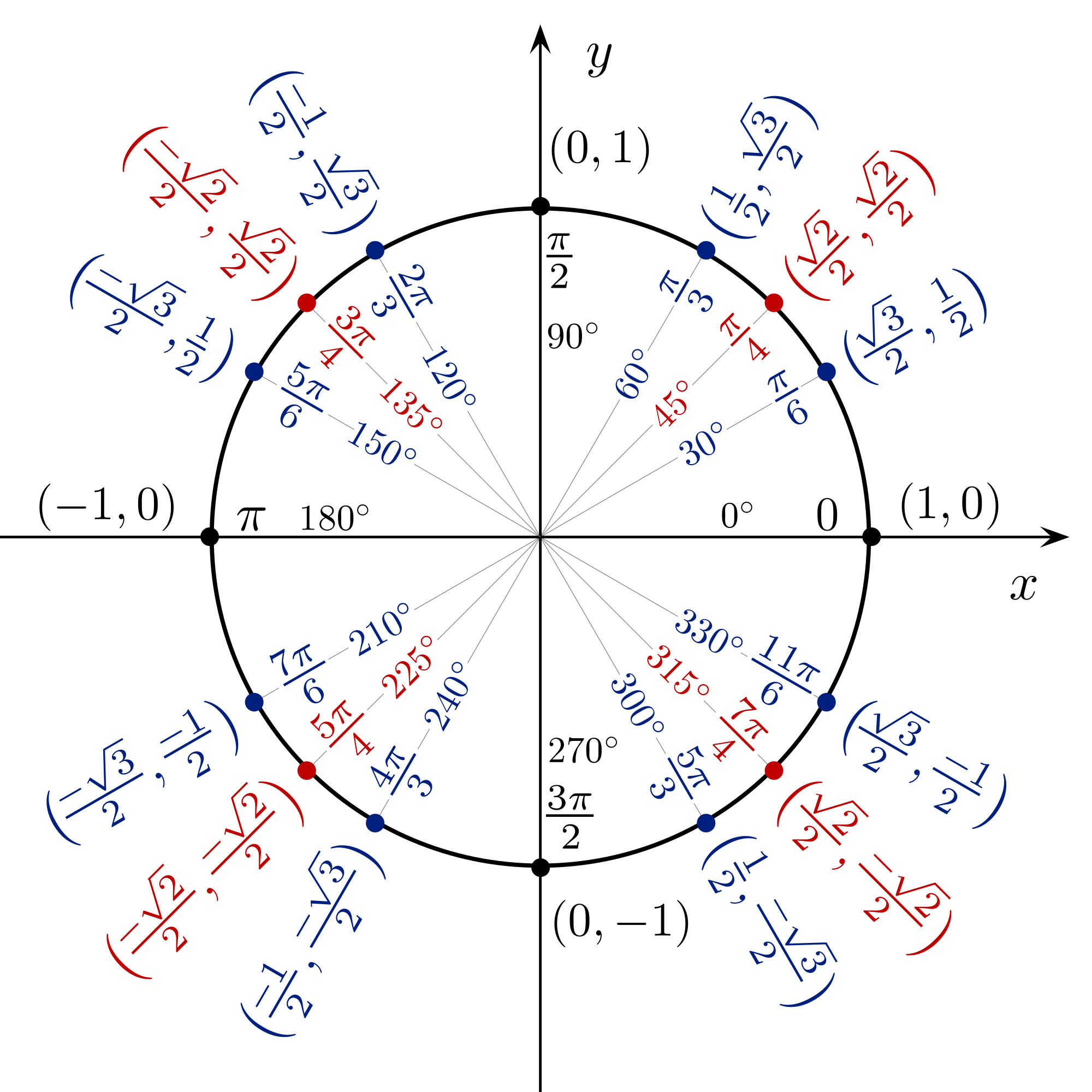
My questions, if they can be answered: 1. Why do you have to get the radian of angle, can you replace that with a single number? 2. How does making the first parameter generate a circle?
I'm sorry if I'm a little vague about what I'm asking, but it seems so simple but I don't know what to do.
Thanks.
SCRIPT:
for angle = 1, 360 do
	local p = Instance.new('Part', Workspace)
	p.Size = Vector3.new(1, 1, 1)
	p.Anchored = true
	p.CFrame = CFrame.new(0, 120, 0)                --Start at the center of the circle
	         * CFrame.Angles(math.rad(angle), 0, 0) --Rotate the brick
	         * CFrame.new(0, 0, 100)                --Move it out by 100 units
	wait()
end