
Scripting HelpersARCHIVE
A little piece of Roblox history. Preserved for everyone, one question at a time.Read about the archive →
COMMUNITY QUESTION

Why doesn't an ImageLabel render an image?

So basically I'm trying to use one of Nasa's APIs to create a roblox game. The API obviously returns JSON and images get returned as URLs.

Here's my code, to test the API (Not the final code)

local HttpService = game:GetService("HttpService")

local URL = "https://api.nasa.gov/planetary/apod?api_key=my api key" -- Not giving out my API key

local response = HttpService:GetAsync(URL)

local data = HttpService:JSONDecode(response)

local screenGUI = game:GetService("StarterGui"):WaitForChild("APIData")
local imgLabel = screenGUI.Image

print(data["url"])
imgLabel.Image = data["url"]

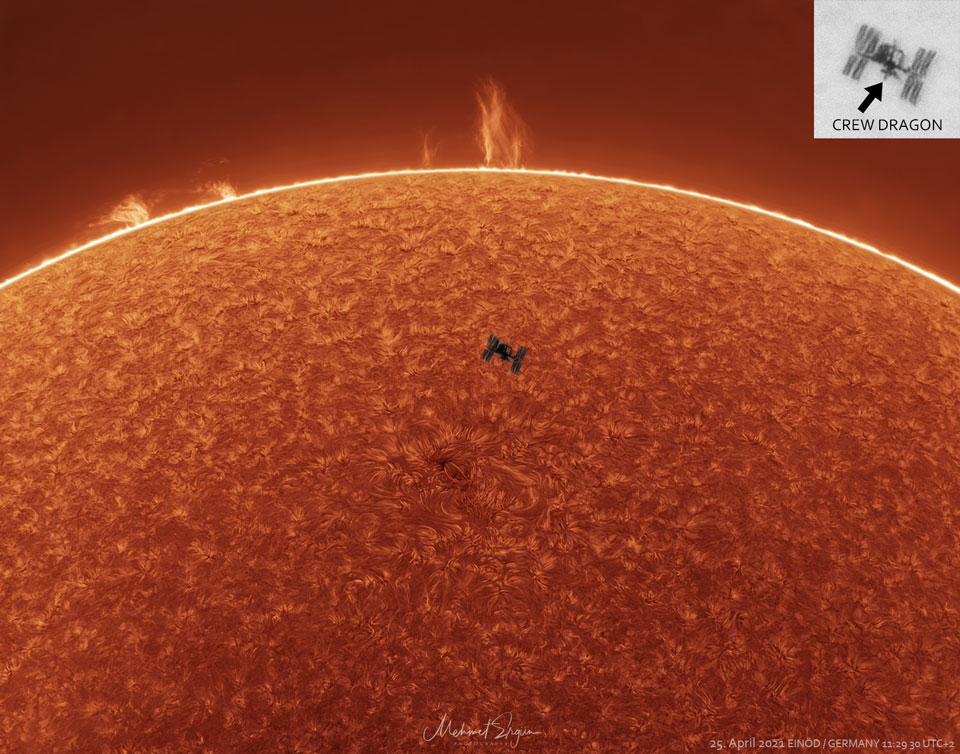
The code gets executed fine with no errors or warnings, the ImageLabel shows a white square when rendering this image , even though it's Image property was changed. Why does this happen?
5 comments

0

You are doing everything correctly, though, you aren't able to get off-site images. It's unfortunate, but you'll just have to upload the image to Roblox and get the image from there instead.

0

@Maximus1027 Is there any way to bypass this or upload the image through a ROBLOX game?

0

No, in my experience there is no way to bypass this. And I believe the same applies to animations.

0

Classic mistake. You aren't supposed to change the StarterGui, you change the PlayerGui in the local player.

0

bru

1 answer

If it is a local script, do this:

local HttpService = game:GetService("HttpService")
local URL = "https://api.nasa.gov/planetary/apod?api_key=my api key"
local response = HttpService:GetAsync(URL)
local data = HttpService:JSONDecode(response)
local screenGUI = game.Players.LocalPlayer.PlayerGui:WaitForChild("APIData")
local imgLabel = screenGUI.Image

print(data["url"])
imgLabel.Image = data["url"]

if it is a server script, you can add a RemoteEvent in ReplicatedStorage then do this:

local HttpService = game:GetService("HttpService")
local URL = "https://api.nasa.gov/planetary/apod?api_key=my api key"
local response = HttpService:GetAsync(URL)
local data = HttpService:JSONDecode(response)

game.Players.PlayerAdded:Connect(function(player)
	local image = data["url"]
	game.ReplicatedStorage.RemoteEvent:FireClient(player,image)
end)

and then a local script in StarterPlayerScripts that has this:

game.ReplicatedStorage.RemoteEvent.OnClientEvent:Connect(function(image)
	local screenGUI = game.Players.LocalPlayer.PlayerGui:WaitForChild("APIData")
	local imgLabel = screenGUI.Image

	print(image)
	imgLabel.Image = image
end)

This discussion is preserved as it was. New answers, comments, and votes are closed.